One-thumb dungeon crawler · Trending
How to play Tiny Arena: where to play & similar games
How to play Tiny Arena — Tiny Arena is a free one-thumb dungeon crawler by BinGameDevLabs on Playgama. You hold to move with an on-screen joystick; stop moving and your hero auto-fires at the nearest enemy—dodging and shooting are the same action.
Opens playgama.com, run by BinGameDevLabs. KoiArcade is not affiliated with the developer and does not host this game.
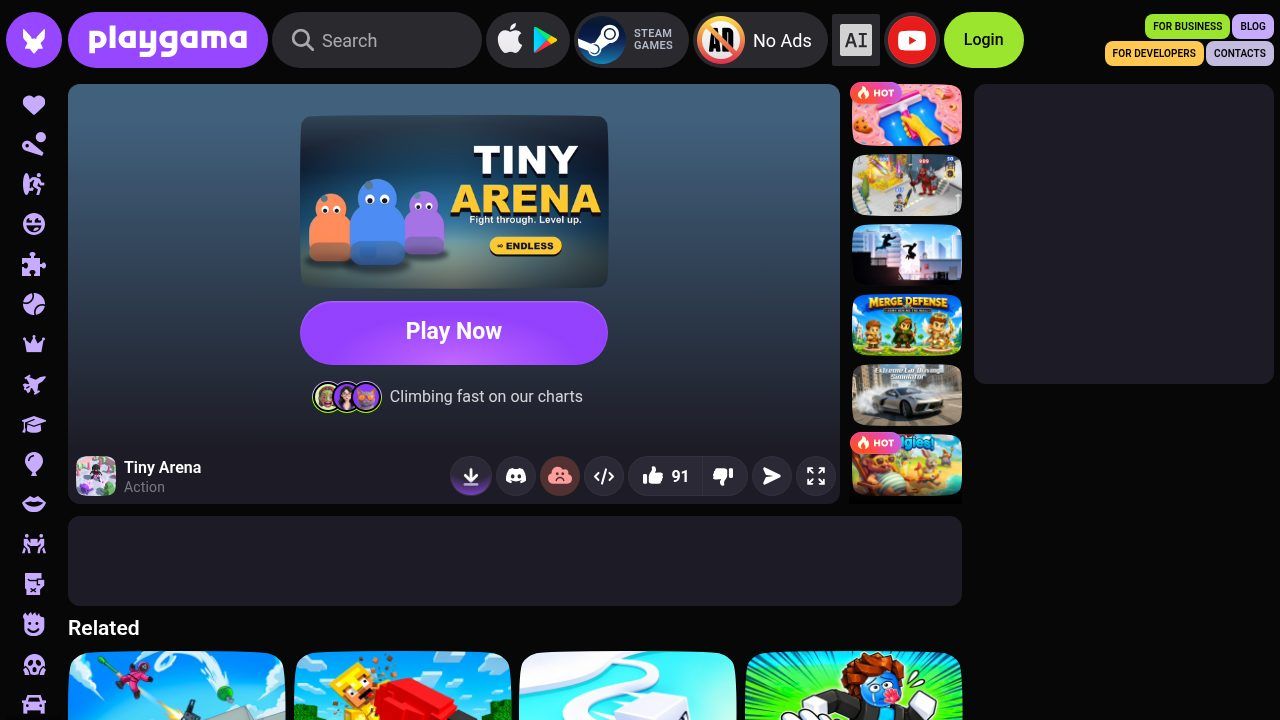
What is Tiny Arena?
Clear every monster in a room to open the door, pick one of three upgrades, and push through five themed worlds. Coins buy permanent upgrades in a meta-shop. Endless mode tracks a global leaderboard. Playgama lists Arcade/Action, landscape and portrait, PC/Android/iOS, English, E10+, released July 2026 and last updated October 2026 on the page we checked.
| Developer | BinGameDevLabs (as listed on Playgama) |
|---|---|
| Genre | Arcade action / dungeon crawler shooter |
| Released | July 2026 on Playgama; last update October 2026 |
| Platforms | Browser on PC, Android and iOS (landscape and portrait) |
| Language | English |
| Age label | E10+ (as shown on Playgama) |
| Modes | Five themed worlds + Endless with global leaderboard; meta-shop permanent upgrades |
What you do in Tiny Arena
- One-thumb combat: hold to move; release to auto-fire at the nearest enemy.
- Room-to-room upgrades: clear a room, open the door, pick one of three upgrades, then push deeper.
- Meta progress: spend run coins in the meta-shop on permanent upgrades; Endless mode posts to a global leaderboard. Playgama notes a revive option after a deadly hit.
How to play Tiny Arena
- Open the official Playgama page and press Play Now.
- Hold anywhere to move with the on-screen joystick. Stop moving so your hero auto-fires at the nearest enemy.
- Clear every monster in the room to open the door, then choose one of three upgrades before the next room.
- Beat the boss to finish a world and carry your build forward. Spend coins in the meta-shop between runs. Try Endless mode for the leaderboard; after a fatal hit, use the revive option if it appears.
Controls
| Hold anywhere | Move with the on-screen joystick |
|---|---|
| Release / stop moving | Auto-fire at the nearest enemy |
| Pick upgrade (after clear) | Choose one of three upgrades at the door |
| Meta-shop | Spend coins on permanent upgrades between runs |
Tiny Arena won't open or has no sound?
- The game won't open or stays blank
- Allow playgama.com, WebGL and the game player. Try another browser if an ad or challenge blocks the canvas, and turn off script blockers for this site.
- There's no sound
- Unmute the tab and check any in-game audio control after load.
- Hard to aim on mobile
- You don't aim separately—stop moving to auto-fire. Use short holds to dodge, then pause to shoot.
- An ad sits on top of Play Now
- Wait out or close the interstitial, then tap Play Now again; refresh once if the player never starts.
Tiny Arena FAQ
Is Tiny Arena free?
Yes. Playgama lists it as free to play in the browser (the portal may show ads).
Who made Tiny Arena?
Playgama credits BinGameDevLabs as the developer.
Can I play Tiny Arena on KoiArcade?
No. We don't host or embed it. Use the official Playgama link on this page.
How do upgrades work?
After each cleared room you pick one of three upgrades for that run. Coins also buy permanent upgrades in the meta-shop that carry across runs.
Opens playgama.com, run by BinGameDevLabs. KoiArcade is not affiliated with the developer and does not host this game.
Credits and sources
Tiny Arena is made by BinGameDevLabs. All game names, art and trademarks belong to them. The screenshot is our own. We don't embed Tiny Arena. KoiArcade only hosts games from its own GameMonetize feed, and this title isn't in it, so we link to the official Playgama page instead.
Sources: Playgama page. Facts last checked on 2026-11-02. Spotted an error? Email [email protected].


