Cute idle slime clicker · Trending
Slime Clicker: how to play, where to play & similar games
How to play Slime Clicker — Slime Clicker is an idle clicker by Rising Pixel, listed on GameDistribution. You tap or click an adorable slime to earn points, unlock levels, upgrades and skins (the official description names examples such as Bat Slime and Rabbit Slime), catch Mini Slime bonuses, and buy AutoClickers so points keep coming when you step away.
Opens gamedistribution.com, run by Rising Pixel. KoiArcade is not affiliated with the developer and does not host this game.
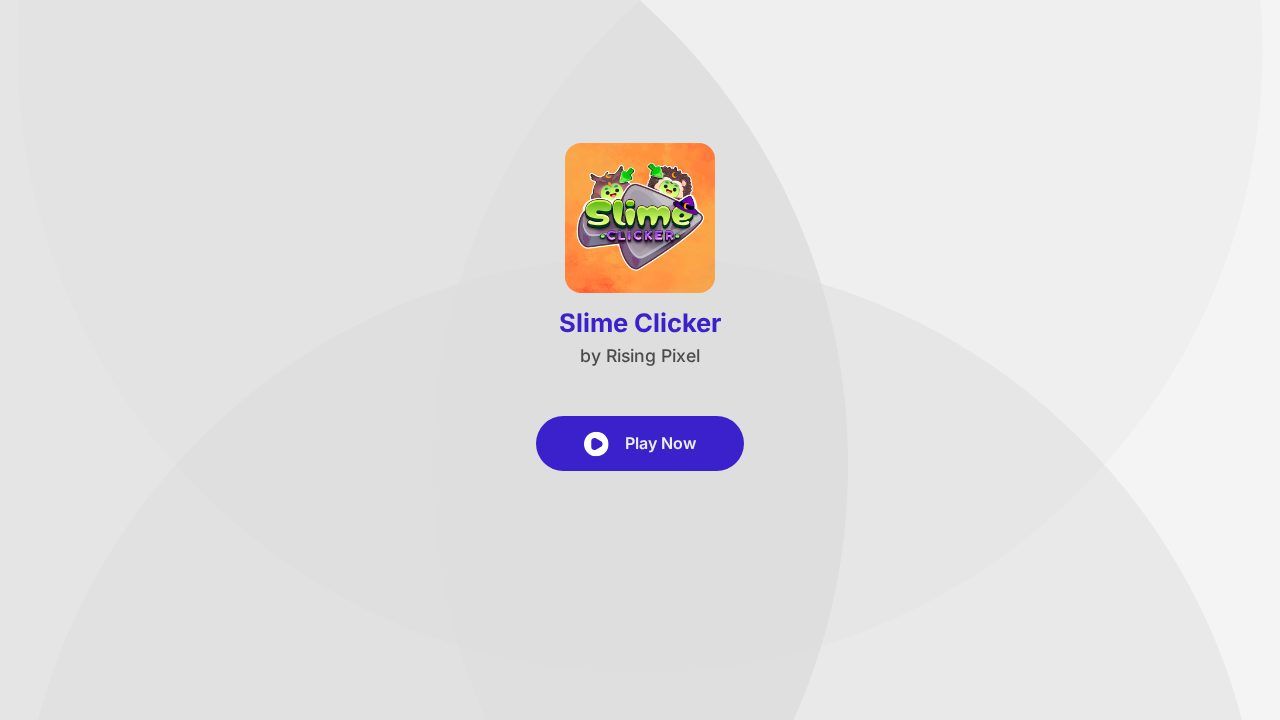
What is Slime Clicker?
GameDistribution lists it as mobile-web compatible on iOS and Android as well as desktop, with languages including English, French, German, Italian, Russian, Spanish and Turkish. Controls are a single left-click or tap on the character.
| Developer | Rising Pixel (as listed on GameDistribution) |
|---|---|
| Genre | Idle clicker |
| Platforms | Browser (desktop); mobile web on iOS and Android (GameDistribution) |
| Languages | English, French, German, Italian, Russian, Spanish, Turkish (GameDistribution listing) |
| Controls | Left-click (desktop) or tap (mobile) the slime to earn points |
| Features named officially | Levels, upgrades, skins (e.g. Bat Slime, Rabbit Slime), Mini Slime bonuses, AutoClickers |
What you do in Slime Clicker
- Click the slime: every tap or click earns points toward levels and upgrades.
- Skins: the official description mentions cute evolutions such as Bat Slime and Rabbit Slime.
- Mini Slime bonuses: catch a Mini Slime when it appears for a points bonus.
- AutoClickers: passive upgrades that keep earning while you're away.
- Simple input: one click or tap — no complex controls.
How to play Slime Clicker
- Open the browser version from GameDistribution, accept or manage the privacy notice, then press Play Now.
- Click or tap the slime to earn points. Spend points on upgrades and skins as they unlock.
- When a Mini Slime appears, catch it quickly for a bonus. Buy AutoClickers if you want progress while idle.
Controls
| Left-click (desktop) | Click the slime to earn points |
|---|---|
| Tap (mobile) | Tap the slime to earn points |
Slime Clicker won't open or has no sound?
- The game won't open or stays blank
- Use an up-to-date Chrome, Edge, Firefox or Safari. Accept or manage the privacy notice first, turn off blockers for the page, and reload.
- Play Now doesn't respond
- Dismiss the privacy banner with I Accept (or manage preferences); it can cover the splash until you choose.
- There's no sound
- Click or tap once so the browser allows audio, unmute the tab, and check system / silent-mode settings.
Slime Clicker FAQ
Is Slime Clicker free?
Yes. It's free to play in the browser via GameDistribution; like other GD games it is ad-supported.
Who made Slime Clicker?
Rising Pixel, distributed on GameDistribution. KoiArcade is not affiliated with either.
Does it work on phones?
GameDistribution lists mobile web compatibility for iOS and Android.
What are AutoClickers?
Passive upgrades named in the official description that earn points even when you're not clicking.
Can I play Slime Clicker on KoiArcade?
No. We don't host or embed it. Use the official link on this page; similar clicker games from our catalog are below.
Opens gamedistribution.com, run by Rising Pixel. KoiArcade is not affiliated with the developer and does not host this game.
Credits and sources
Slime Clicker is made by Rising Pixel. All game names, art and trademarks belong to them. The screenshot is our own. We don't embed Slime Clicker. It is distributed through GameDistribution, which licenses its games to publishers with an account, and KoiArcade doesn't have a GameDistribution publisher account, so we link to the official GameDistribution page and build instead.
Sources: Official GameDistribution page · Browser version (GameDistribution build). Facts last checked on 2026-11-04. Spotted an error? Email [email protected].


