Magnetic maze arcade · Trending
How to play Electron Dash: where to play & similar games
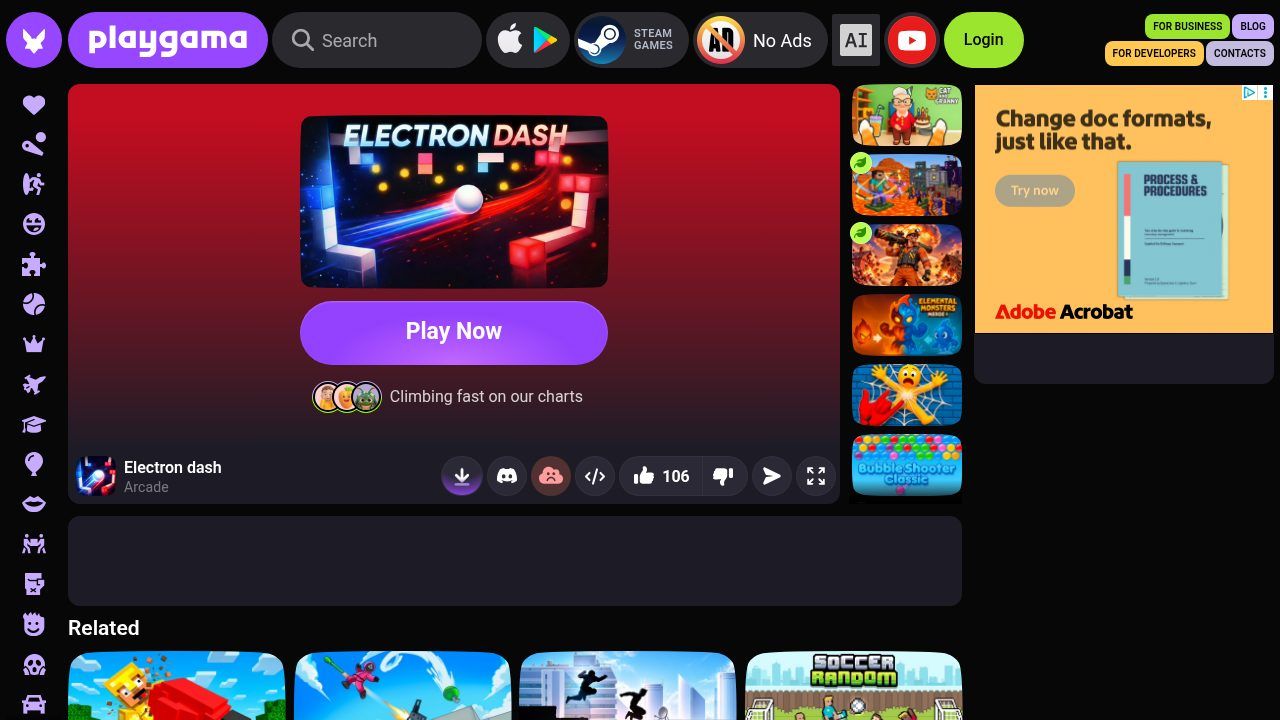
How to play Electron Dash — Electron dash is a free high-speed magnetic arcade game by gila monster games, listed on Playgama. You don't steer with ordinary run controls—you slide a polarity control to attract and repel, then glide, slam and swing through mazes on momentum.
Opens playgama.com, run by gila monster games. KoiArcade is not affiliated with the developer and does not host this game.
What is Electron Dash?
Playgama lists it as Arcade / Physics / Maze, portrait orientation, for PC, Android and iOS, English only. Release date January 2026; last update October 2026 on the page we checked. Age label E. A daily leaderboard sits on the same page.
| Developer | gila monster games (as listed on Playgama) |
|---|---|
| Genre | Arcade / physics maze (Playgama categories: Physics, Maze, Mobile, Arcade) |
| Released | January 2026 on Playgama; last update October 2026 |
| Platforms | Browser on PC, Android and iOS (portrait) |
| Language | English |
| Age label | E (as shown on Playgama) |
What you do in Electron Dash
- Polarity slider: slide left for negative (blue), right for positive (red), release for neutral momentum-only coasting.
- Attract and repel: opposites pull you in; like charges push you away so you can launch across gaps.
- Clear goals: collect all coins, reach the Finish Zone, and beat the timer. Playgama also shows a daily leaderboard.
How to play Electron Dash
- Open the official Playgama page and press Play Now.
- Use the polarity slider at the bottom of the screen: left = negative (blue), right = positive (red), release = neutral.
- Attract toward opposite charges and repel off like charges to glide through the maze, dodge traps and collect every coin.
- Reach the Finish Zone before the timer runs out. Check the Playgama leaderboard if you want to compare daily scores.
Controls
| Slide left (slider) | Negative charge (blue) |
|---|---|
| Slide right (slider) | Positive charge (red) |
| Release slider | Neutral — coast on momentum only |
| Mouse or finger | Same slider on desktop and mobile (portrait) |
Electron Dash won't open or has no sound?
- The game won't open or stays blank
- Allow playgama.com, WebGL and any game iframe. Try another browser if ads or a challenge page block the player, and disable extensions that strip scripts.
- There's no sound
- Unmute the browser tab and check any in-game audio toggle after the title card loads.
- Controls feel wrong on a phone
- Hold the device in portrait (Playgama lists portrait). Drag the bottom slider; don't expect a virtual joystick.
- An ad or challenge sits on top
- Wait for the countdown or close the interstitial; refresh once if the canvas never appears afterward.
Electron Dash FAQ
Is Electron Dash free?
Yes. Playgama lists it as free to play in the browser (the portal may show ads).
Who made Electron Dash?
Playgama credits gila monster games as the developer.
Can I play Electron Dash on KoiArcade?
No. We don't host or embed it. Use the official Playgama link on this page.
What is the main control?
A polarity slider: left negative, right positive, release neutral. Opposites attract; like charges repel.
Opens playgama.com, run by gila monster games. KoiArcade is not affiliated with the developer and does not host this game.
Credits and sources
Electron Dash is made by gila monster games. All game names, art and trademarks belong to them. The screenshot is our own. We don't embed Electron Dash. KoiArcade only hosts games from its own GameMonetize feed, and this title isn't in it, so we link to the official Playgama page instead.
Sources: Playgama page. Facts last checked on 2026-11-02. Spotted an error? Email [email protected].


