3D bus parking puzzle · Trending
How to play Bus Parking Out: where to play & similar games
How to play Bus Parking Out — Bus Parking Out is a 3D parking puzzle by Inlogic Software. You move differently sized, colored buses in a lot—each with its own movement direction—clear a path for the bus you need, and collect matching passengers as efficiently as you can.
Opens gamedistribution.com, run by Inlogic Software. KoiArcade is not affiliated with the developer and does not host this game.
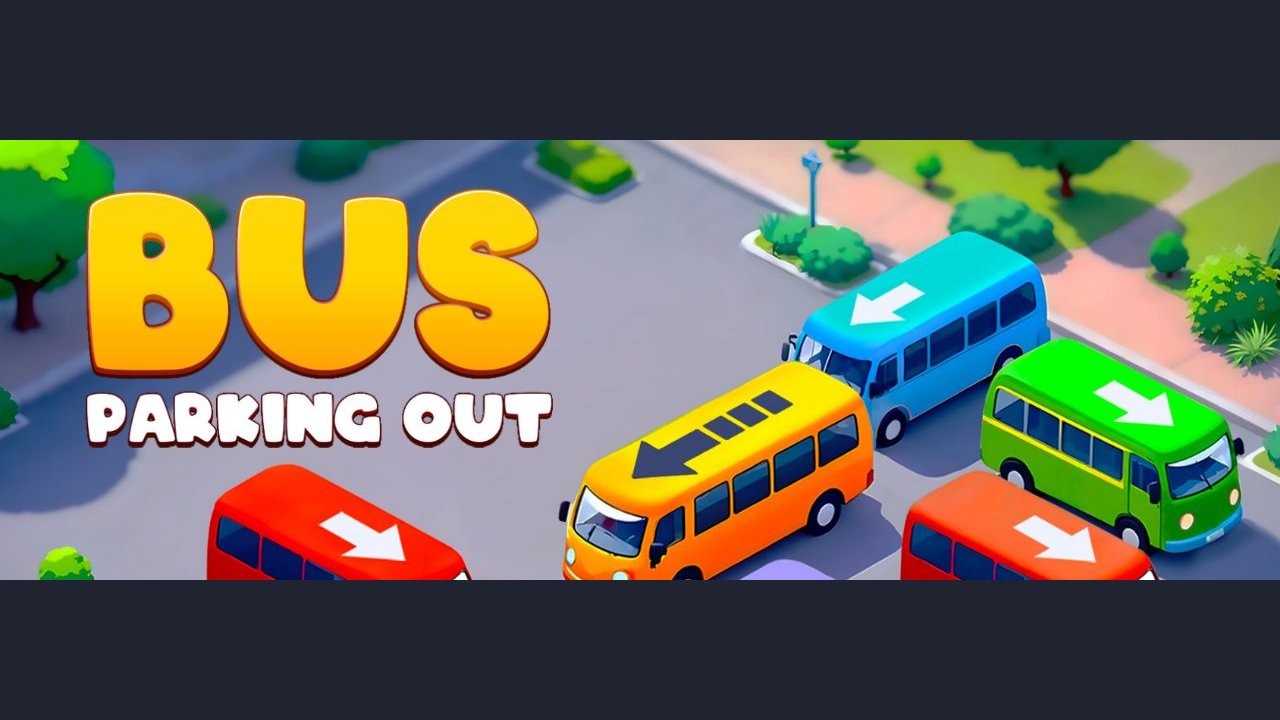
What is Bus Parking Out?
GameDistribution lists 3 bus types in 8 colors, landscape HTML5 play on desktop and mobile (iOS and Android web), and languages English, French, German, Italian, Portuguese, Russian and Spanish. The catalog page shows first published 15 March 2025 and last updated 26 February 2026.
| Developer | Inlogic Software (as listed on GameDistribution) |
|---|---|
| Genre | Puzzle (GameDistribution tags: bus, busparking, parking) |
| Published | 15 March 2025 on GameDistribution; last updated 26 February 2026 |
| Platforms | Browser HTML5, landscape 800×600; mobile web on iOS and Android |
| Languages | English, French, German, Italian, Portuguese, Russian, Spanish |
| Players | 1 |
What you do in Bus Parking Out
- Plan every move: buses only travel along their facing; blocking one can trap another, so order matters.
- Three bus types, eight colors: match the right bus to the right passengers after you free its path.
- 3D parking lot: a colorful lot view in landscape orientation aimed at quick puzzle rounds.
How to play Bus Parking Out
- Open the official GameDistribution page (or a licensed portal) and start the HTML5 build. Accept the site's consent prompt if it appears, then press Play Now.
- Look at which bus is selected and which way each bus can move. Tap or click buses to slide them and open a corridor.
- Free the target bus, drive it out, and collect the matching passengers. Repeat with tighter lots as levels go on.
Controls
| Mouse / tap | Select and move a bus along its allowed direction |
|---|---|
| Touch (mobile web) | Same as mouse: tap a bus to slide it |
Bus Parking Out won't open or has no sound?
- The game won't open or stays blank
- Allow the GameDistribution domain, try Chrome or Firefox, and disable blockers that strip ads or iframes—the build often needs those scripts to finish loading.
- There's no sound
- Unmute the browser tab and check the in-game mute control after the title card.
- It asks for privacy consent every time
- That banner comes from GameDistribution's player. Accepting (or managing preferences) on that domain is normal; it is not part of KoiArcade.
Bus Parking Out FAQ
Is Bus Parking Out free?
Yes. The GameDistribution HTML5 build is free to play in the browser (portals that license it may show ads).
Who made Bus Parking Out?
Inlogic Software, published through GameDistribution.
Can I play Bus Parking Out on KoiArcade?
No. We don't host or embed it. Use the official GameDistribution link on this page.
Opens gamedistribution.com, run by Inlogic Software. KoiArcade is not affiliated with the developer and does not host this game.
Credits and sources
Bus Parking Out is made by Inlogic Software. All game names, art and trademarks belong to them. The screenshot is our own. We don't embed Bus Parking Out. It is distributed through GameDistribution, which licenses its games to publishers with an account, and KoiArcade doesn't have a GameDistribution publisher account, so we link to the official GameDistribution page and build instead.
Sources: GameDistribution page · HTML5 build · Publisher list. Facts last checked on 2026-11-02. Spotted an error? Email [email protected].


